Keyboard Space Quiz Fullscreen
Command four five-question missions through planets, moons, stars, galaxies, exploration, and space physics with timed telemetry, scan hints, hull lives, and mission notes.
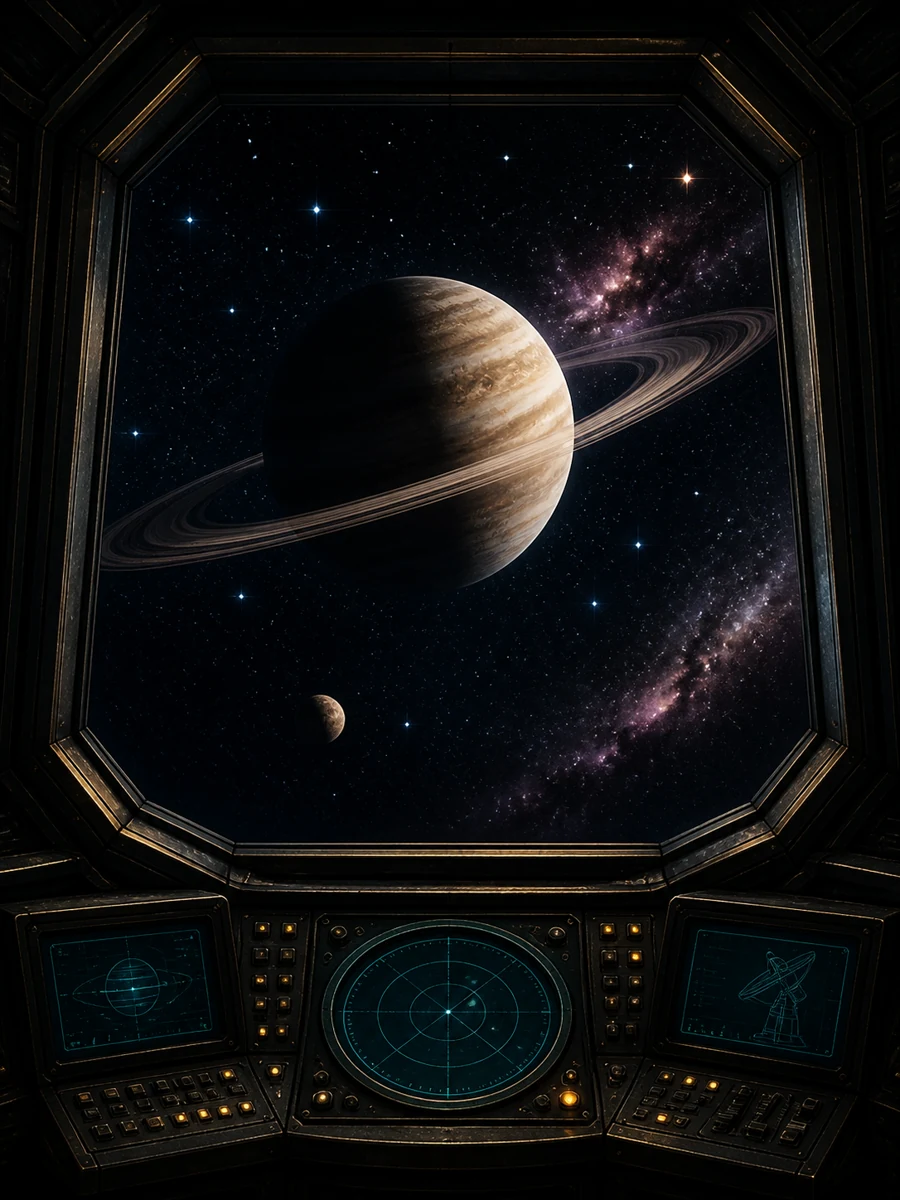 Play Space QuizOpen the complete game →
Keyboard Space Quiz in fullscreen
Press 1-4 to choose a visible answer directly. Arrow keys move among telemetry choices that have not been rejected, while Space or Enter activates the focused control. H spends a scan hint, P or Escape pauses or resumes the active mission clock, and R restarts the selected space level with a new question order.
Visible mission state at a larger size
The shared Fullscreen control expands the Orbital Mission Control title, five-field telemetry HUD, sector, star-chart question, four answer controls, hull markers, orbital progress, Scan Hint, and Pause actions without changing the rules. Focus uses a strong cyan outline, a correct answer uses cyan-green, and rejected telemetry stays visibly muted. Wrong choices leave the focus cycle, so arrow navigation moves only through available answers.
A complete single-player keyboard route
The keyboard can start the clock, answer all twenty questions, request a scan, pause, resume, and restart. Pointer and touch remain equivalent both inside and outside fullscreen. Fullscreen changes only presentation size; this build contains no opponents, chat, matchmaking, multiplayer rooms, or code links, and all 60 curated space records run locally on the device.
Fast browser play without an account
NoSignPlay is built as a static arcade. Pages load from cached files, and playable game logic runs on your device. There is no registration wall or software download.
More Space Quiz guides
- Solar System Planets Space Quiz
- Timed Astronomy Mission Trivia Challenge
- Mobile Space Science Tap Quiz
About Space Quiz
Command four five-question missions through planets, moons, stars, galaxies, exploration, and space physics with timed telemetry, scan hints, hull lives, and mission notes. This is a single-player space quiz with no room codes, matchmaking, or multiplayer mode.